




Home/Features
Platform architecture
Every module your tuning operation needs.
Run the customer journey from first upload to final delivery without disconnected tools.
Everything a file service needs, already written.
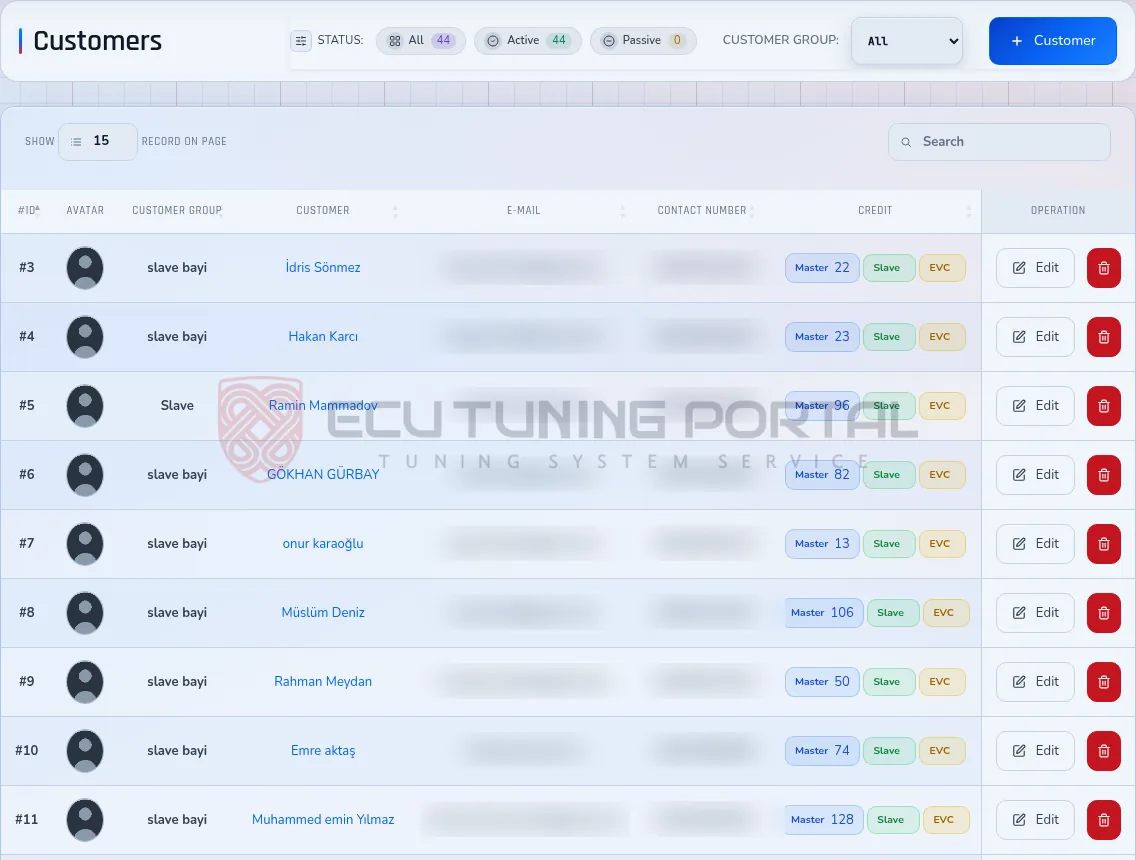
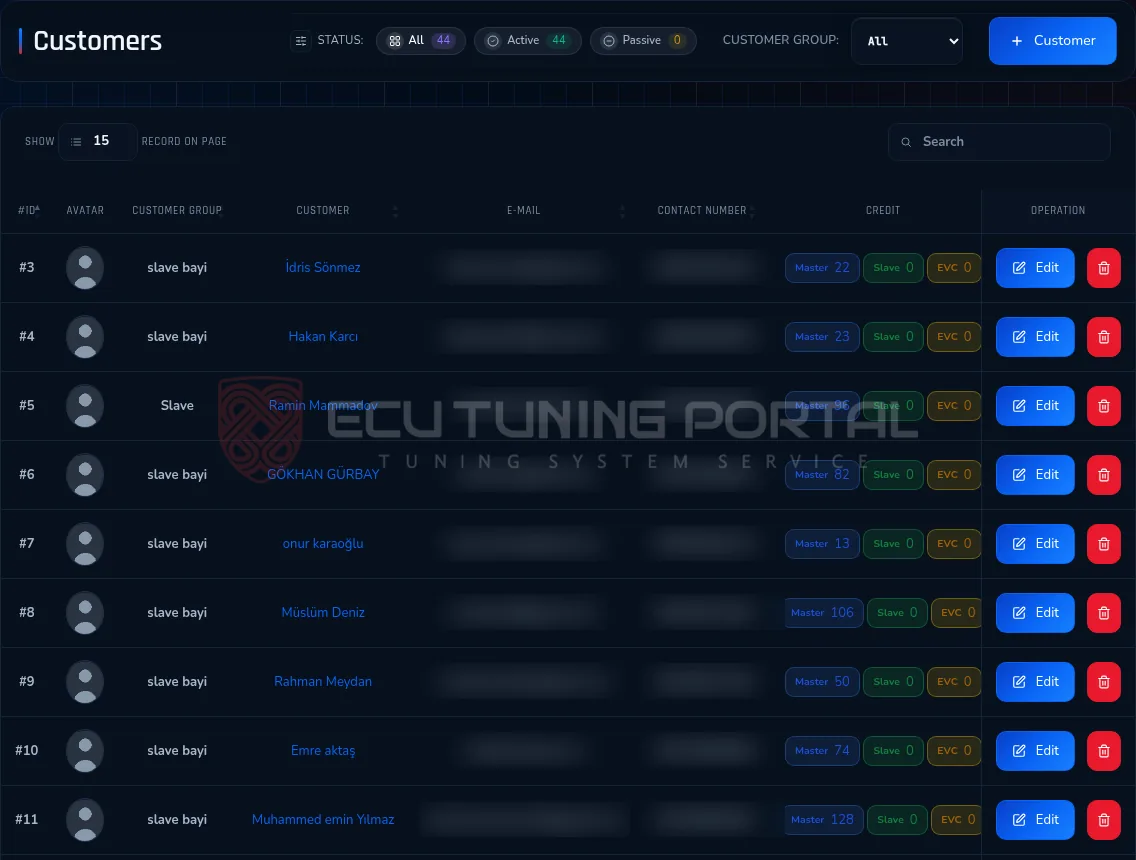
Customer Management
Profiles, group pricing, credit balances, vehicle history and account status remain in one customer record.
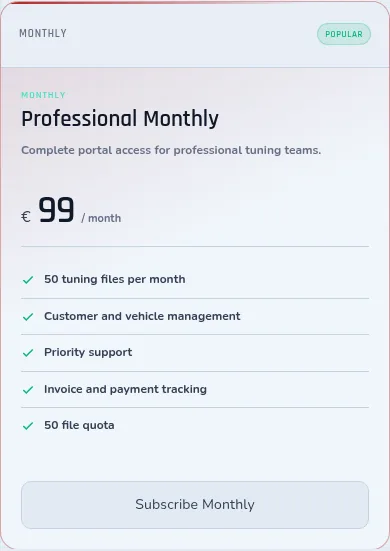
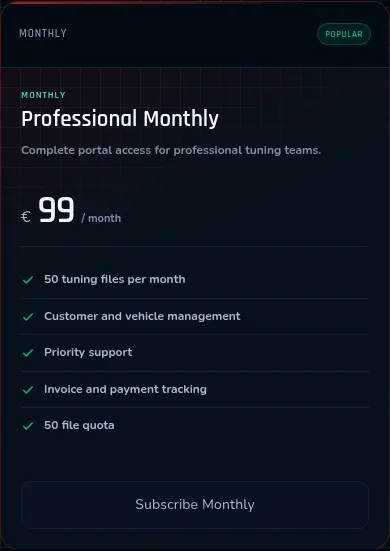
Credit & Subscription System
Credit packages and monthly or yearly subscriptions are managed in one billing structure.
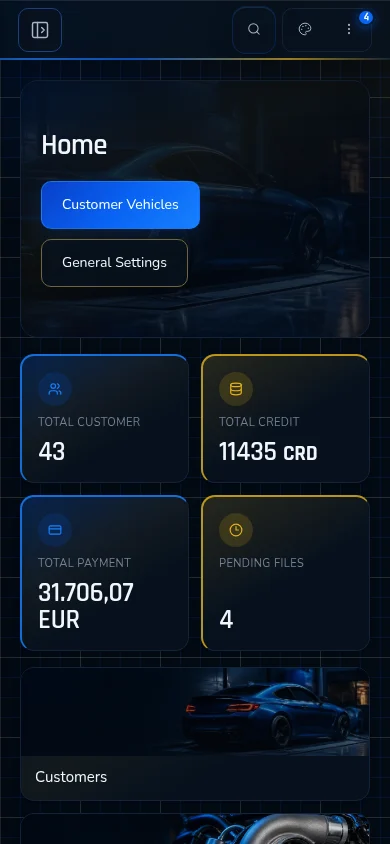
Mobile Responsive Design
Administrator and customer workflows remain usable on phones, tablets and desktop screens.
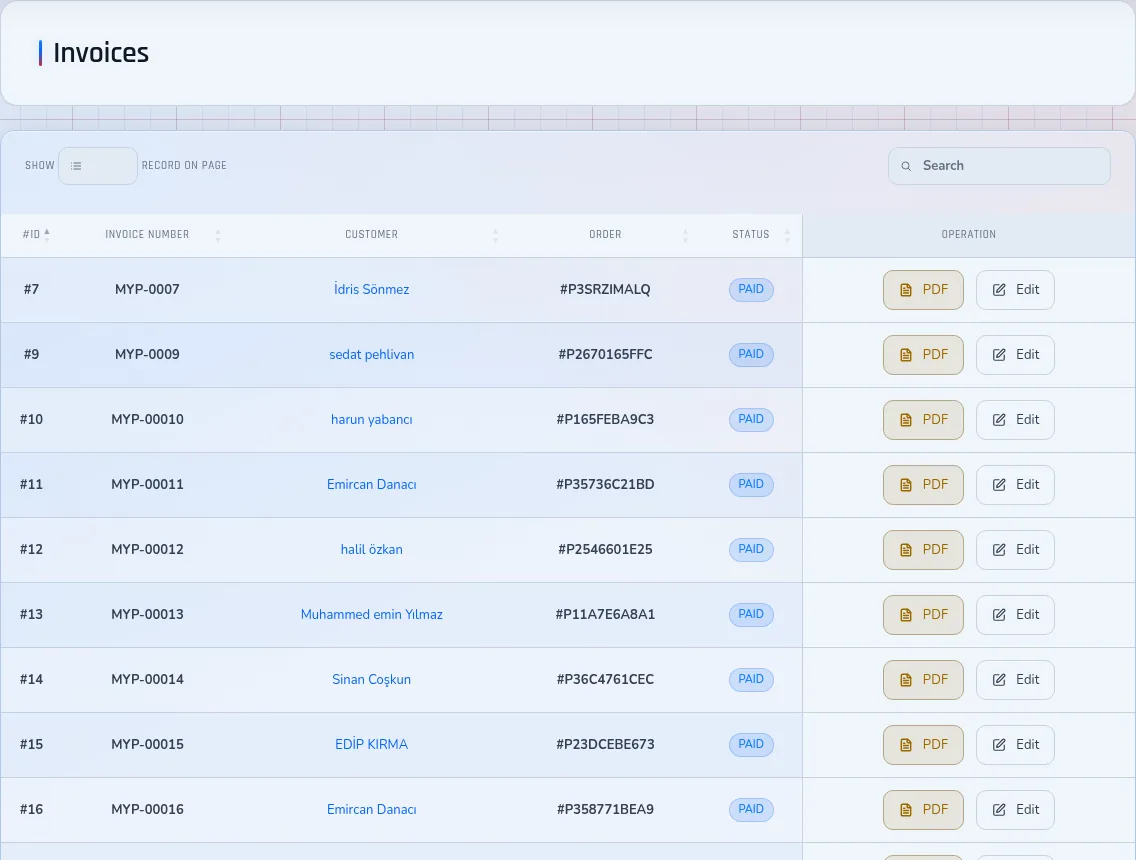

Invoice & PDF System
Invoices containing prefixes, payment status and customer data are generated automatically as PDFs.
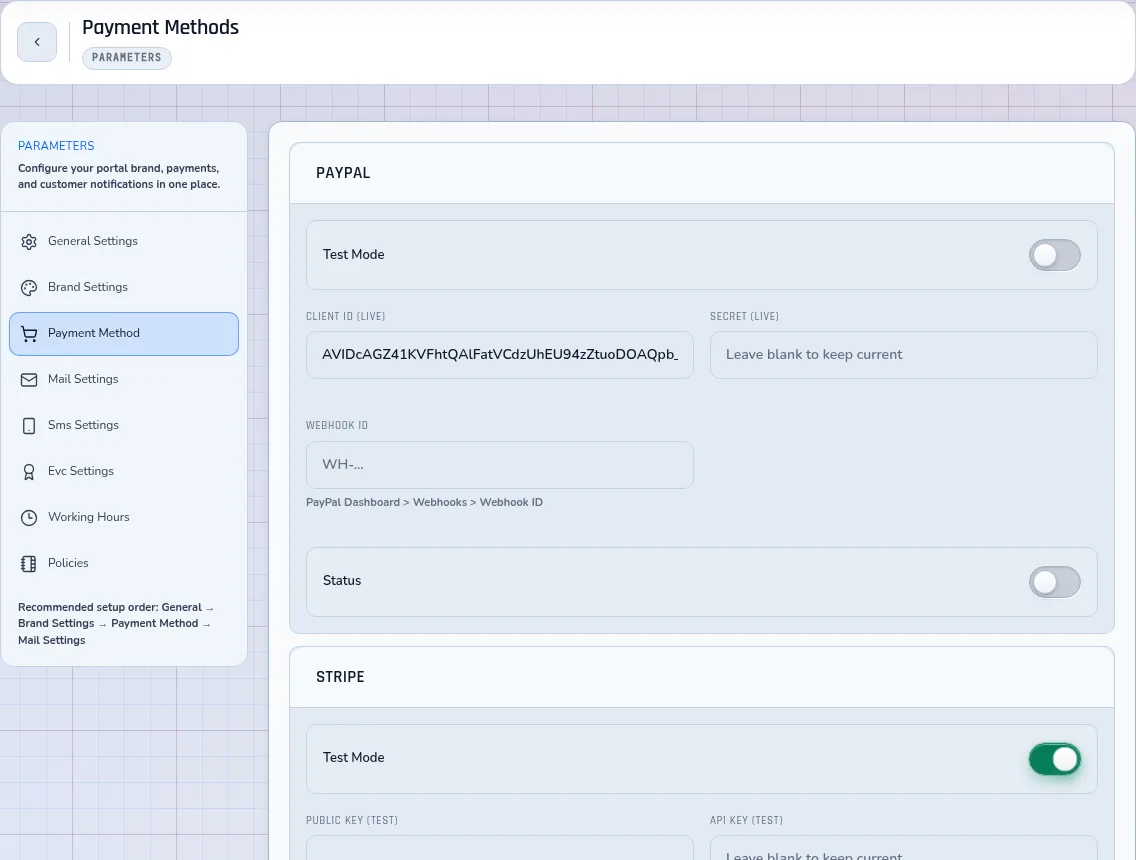
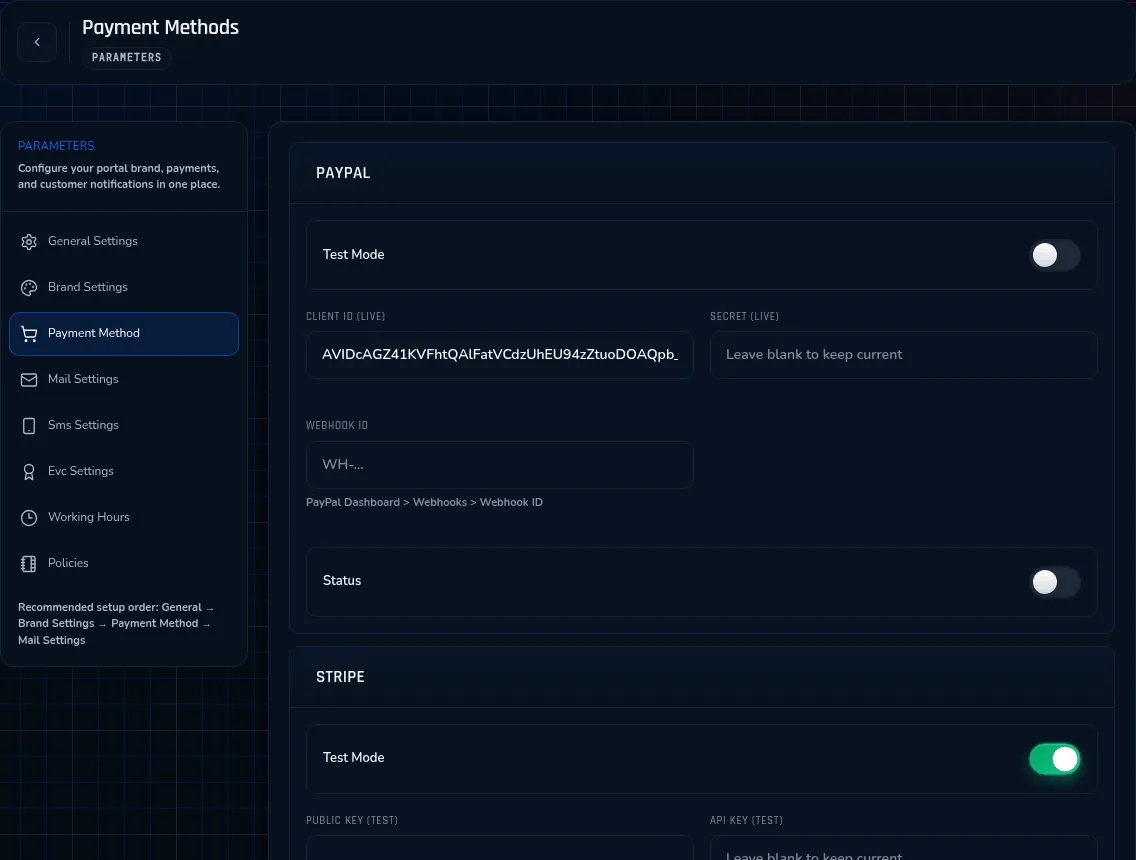
Stripe, PayPal & Bank Transfer
Your customers pay you in EUR, USD, GBP or TRY by the method they prefer.
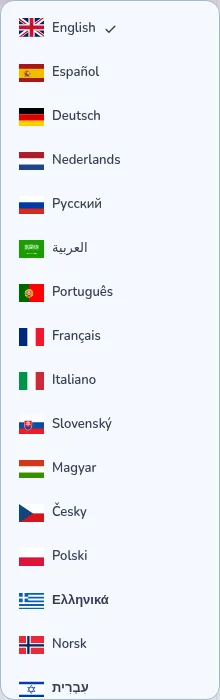
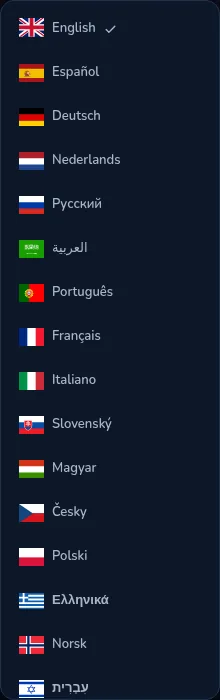
25 Language Support (Including RTL)
Customers receive the portal journey in their own language across 25 locales, including RTL, from portal 6.2.7.
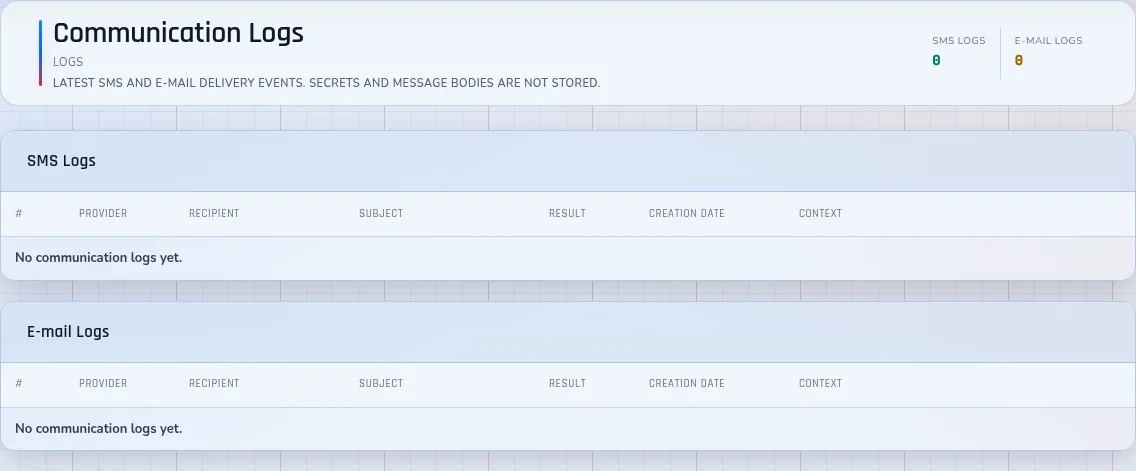
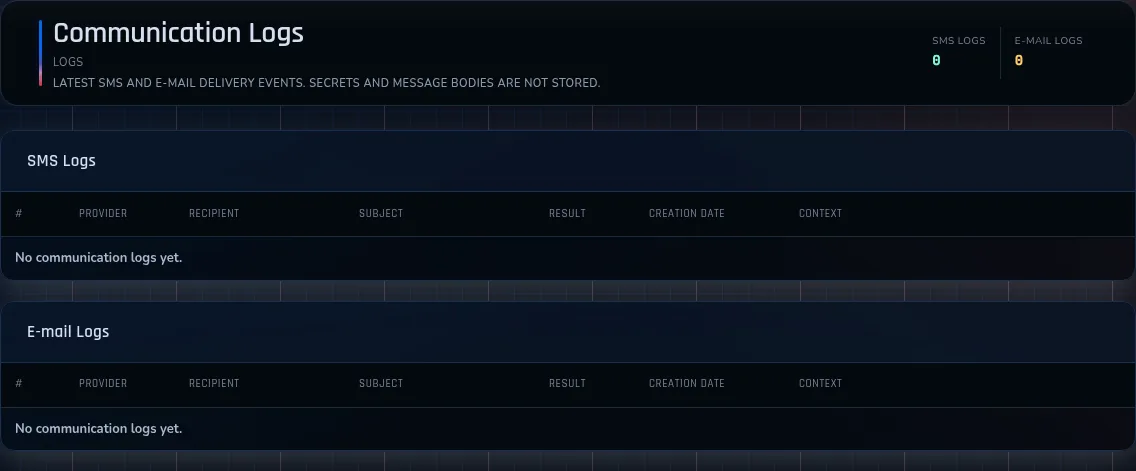
Instant SMS & Email Notifications
File status, subscription, balance and order updates reach customers immediately.
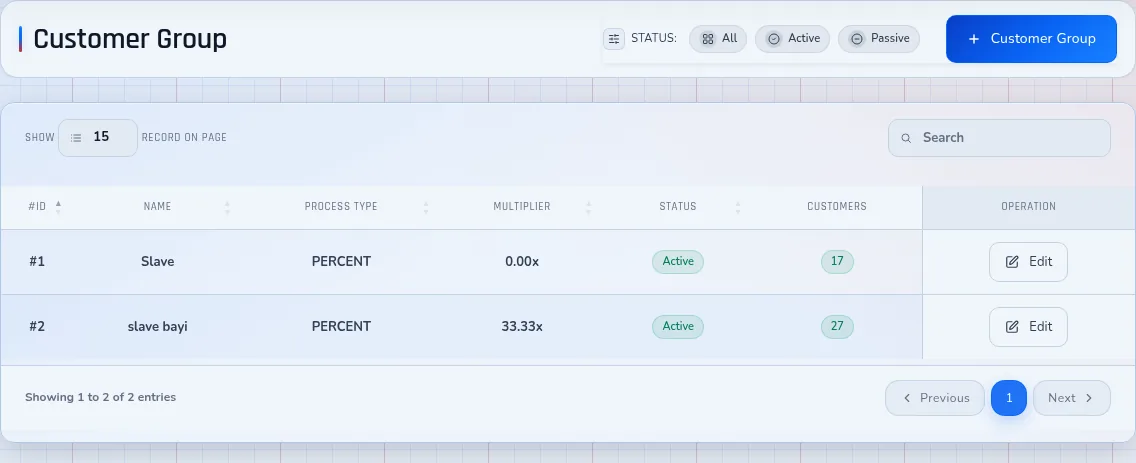
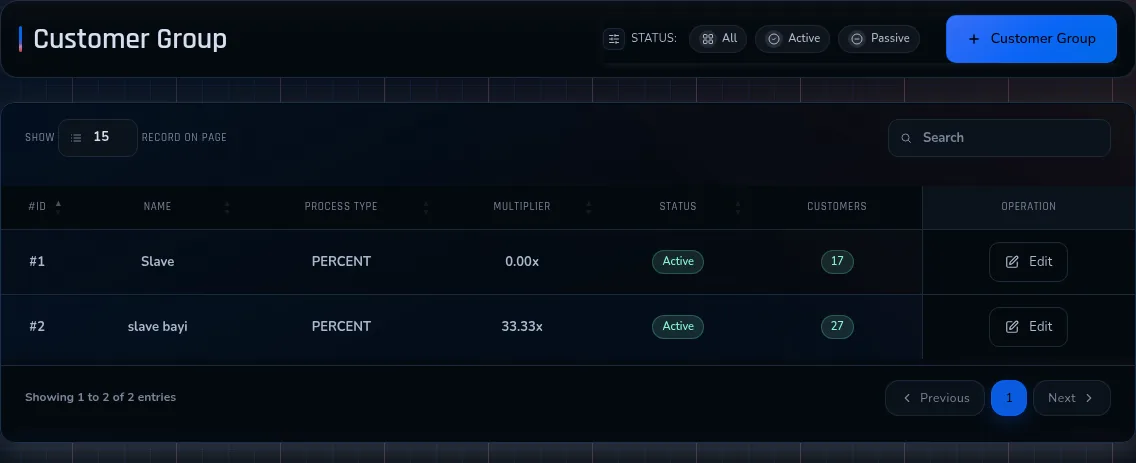
Customer Group Pricing
Each customer group applies a percentage or a fixed amount to the price list and sets which credit wallet its customers use.
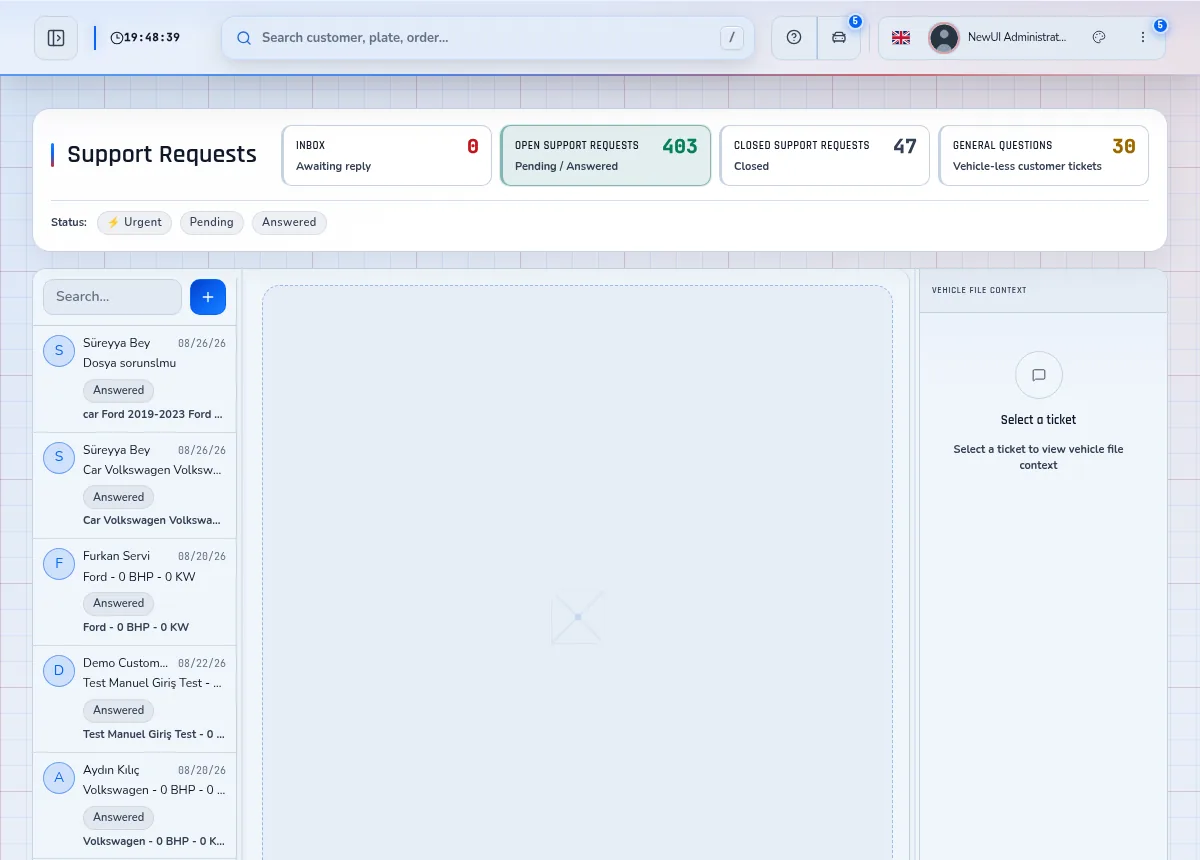
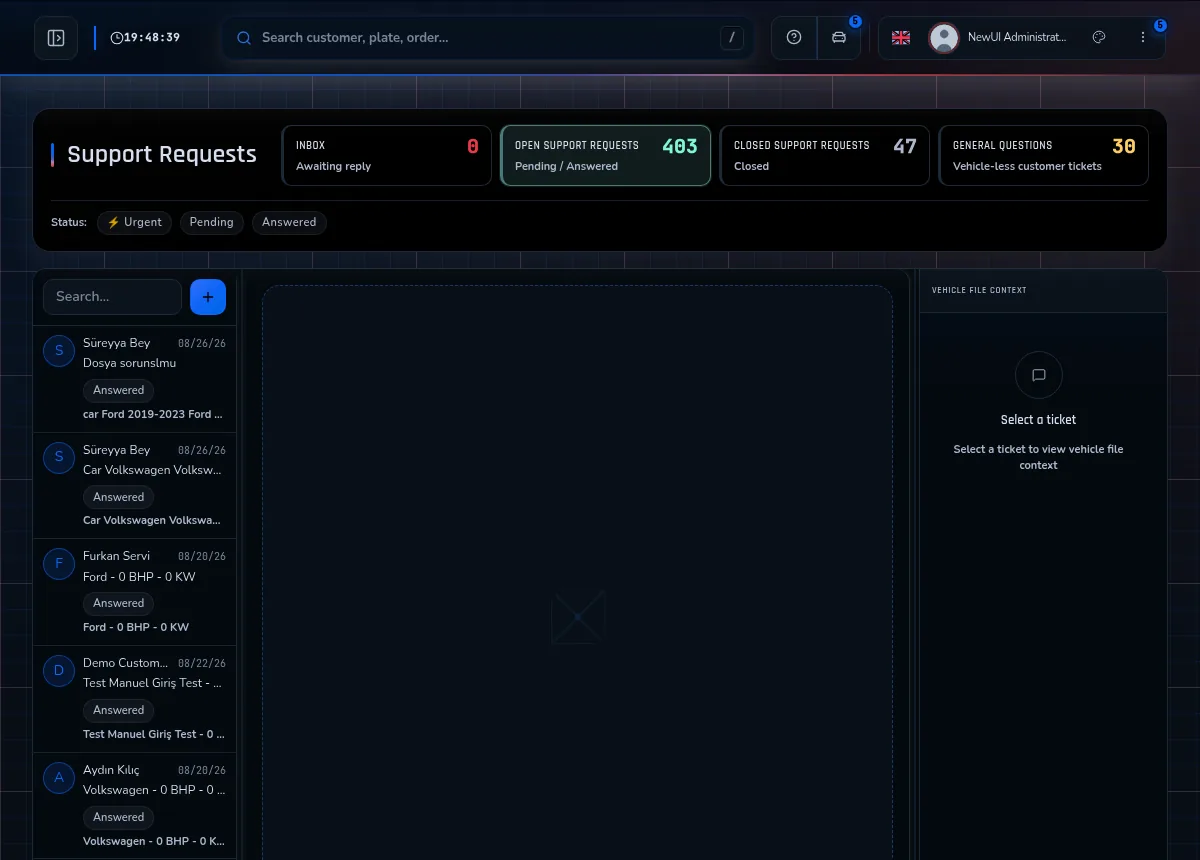
Support Ticket System
Priority, status and message history remain together on every support request.
EVC Integration
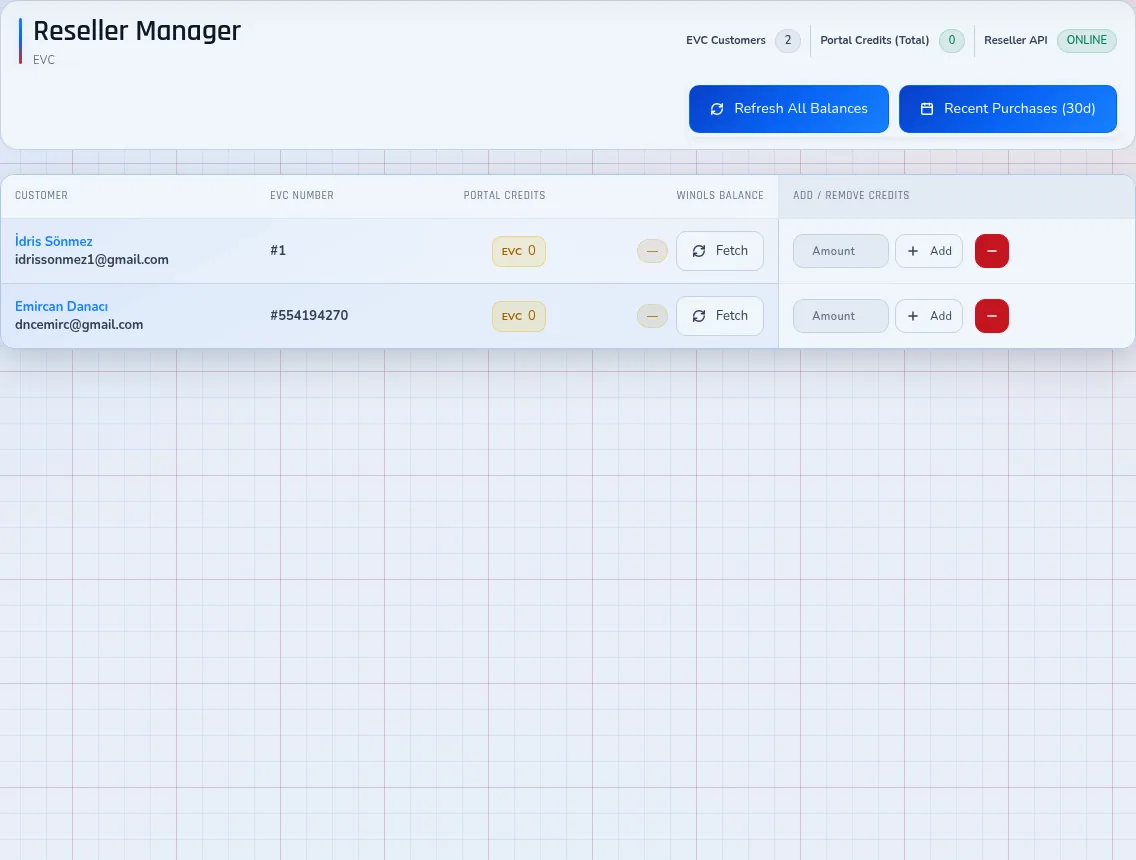
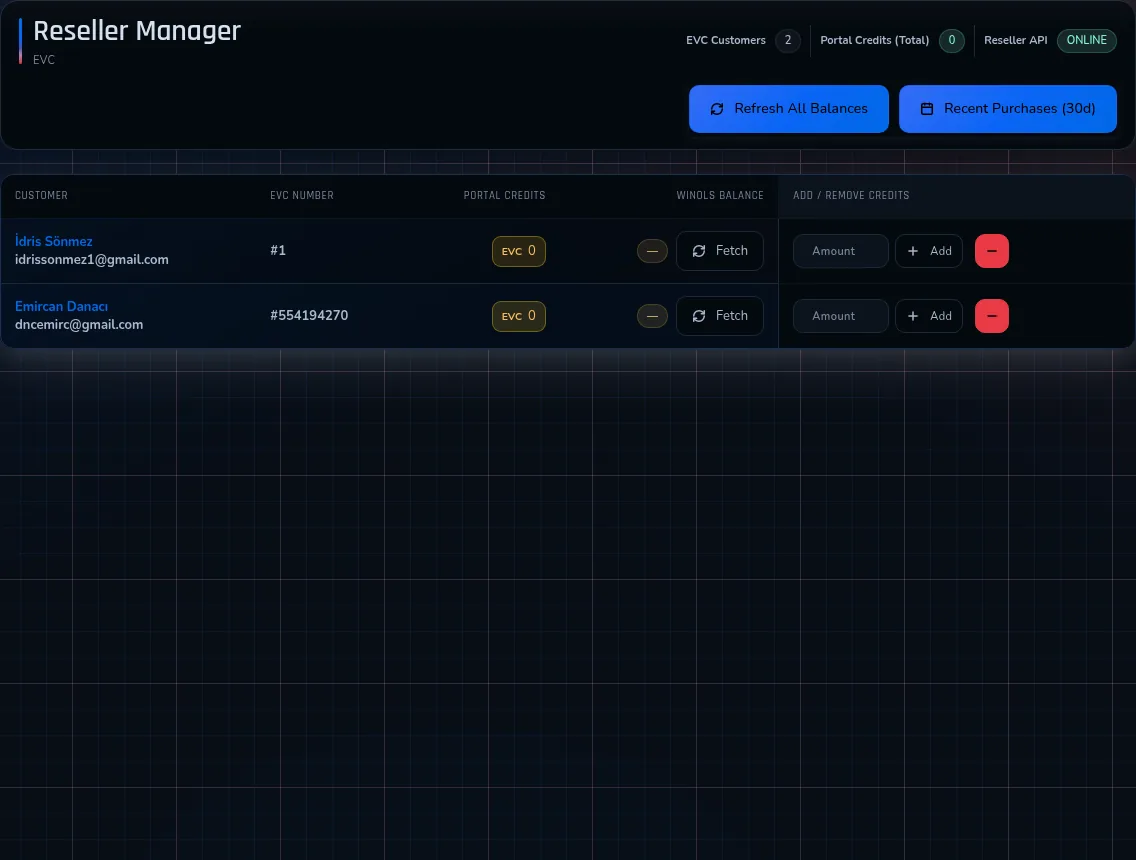
EVC customer numbers sit on the customer record, and a paid EVC credit order is added to that EVC account.
Comprehensive Vehicle Database
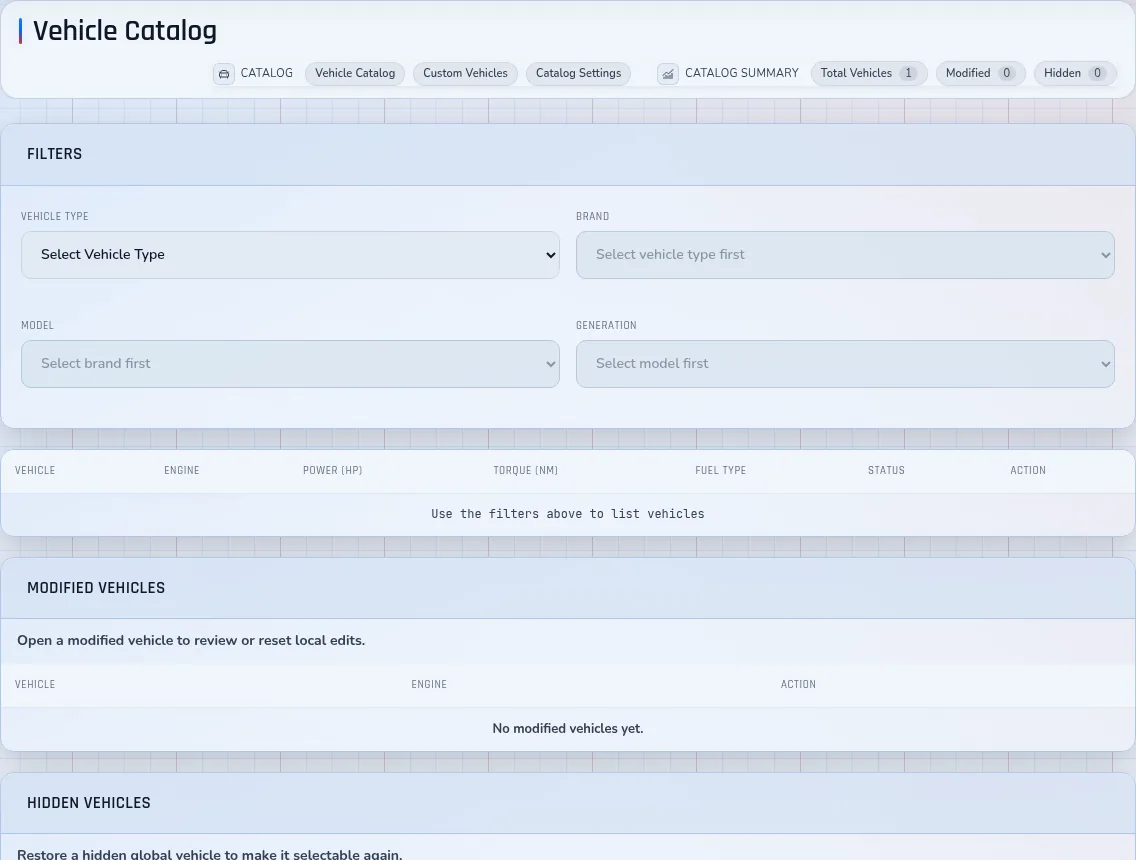
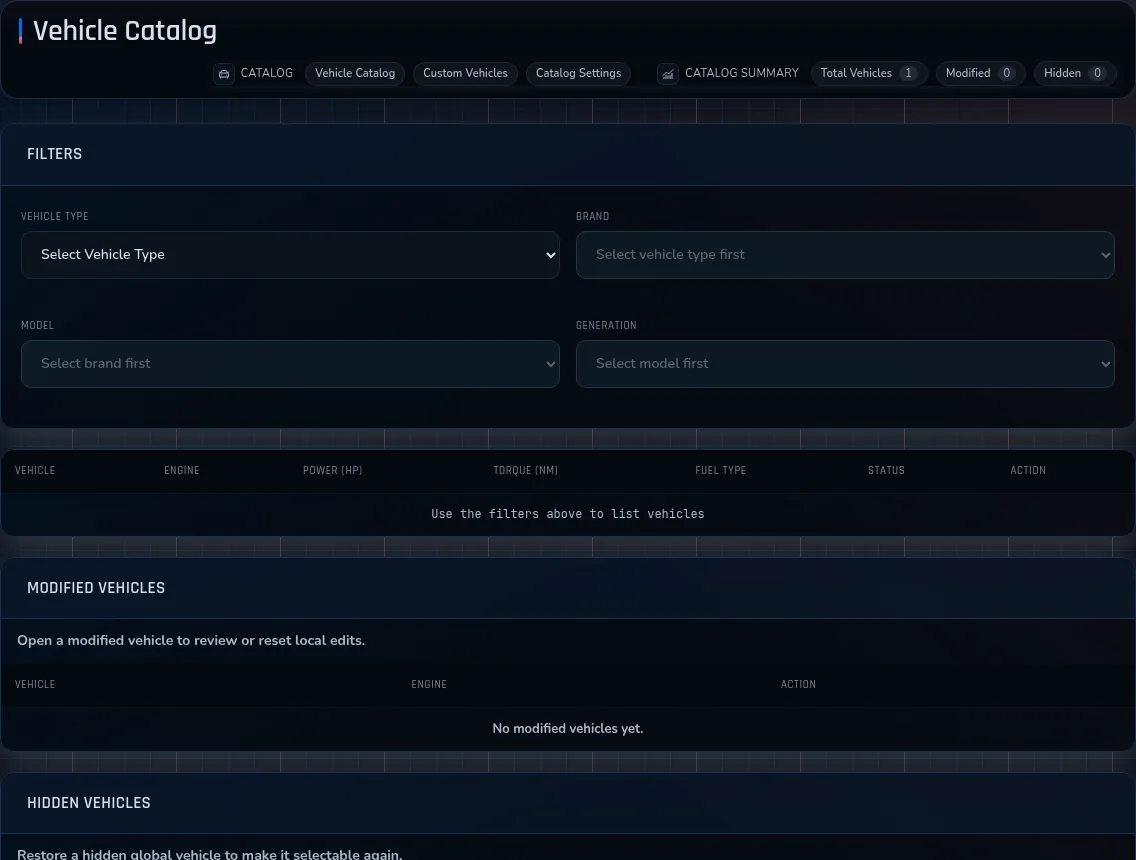
Model years from 1928 to 2026 in one catalogue, kept current through scheduled updates.
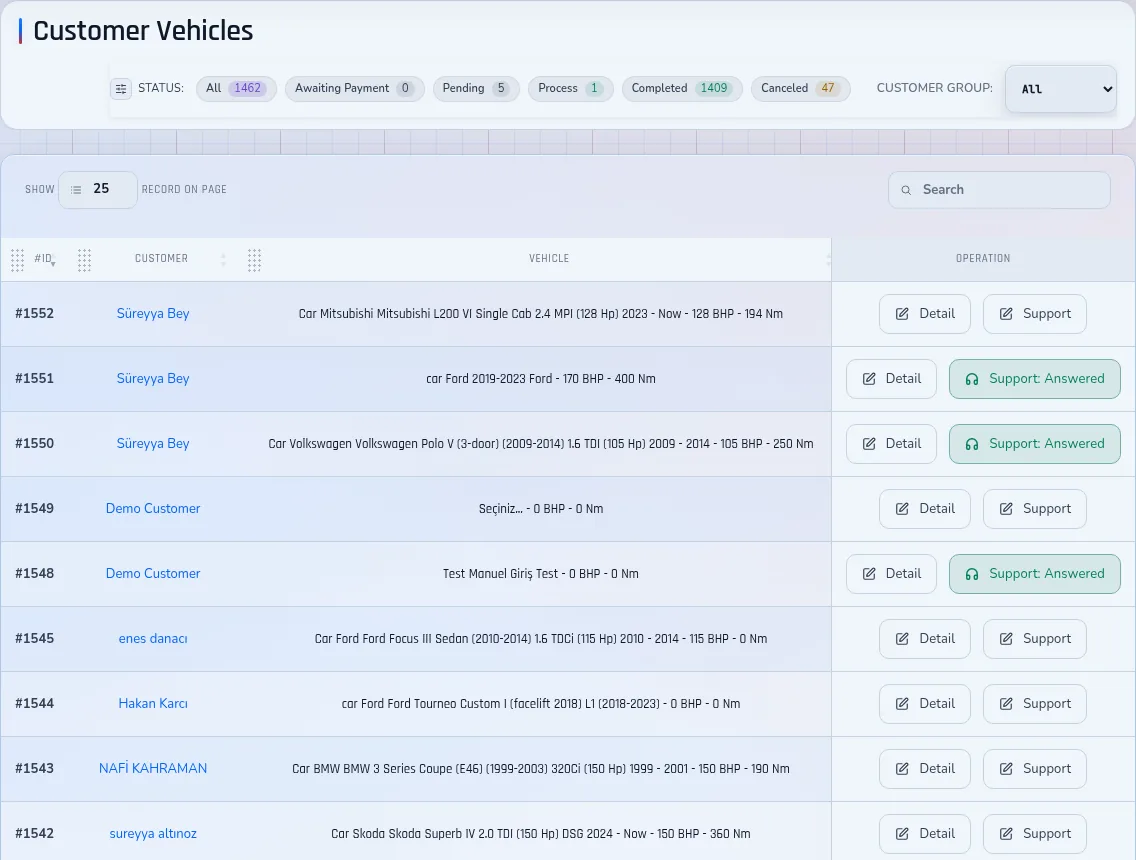
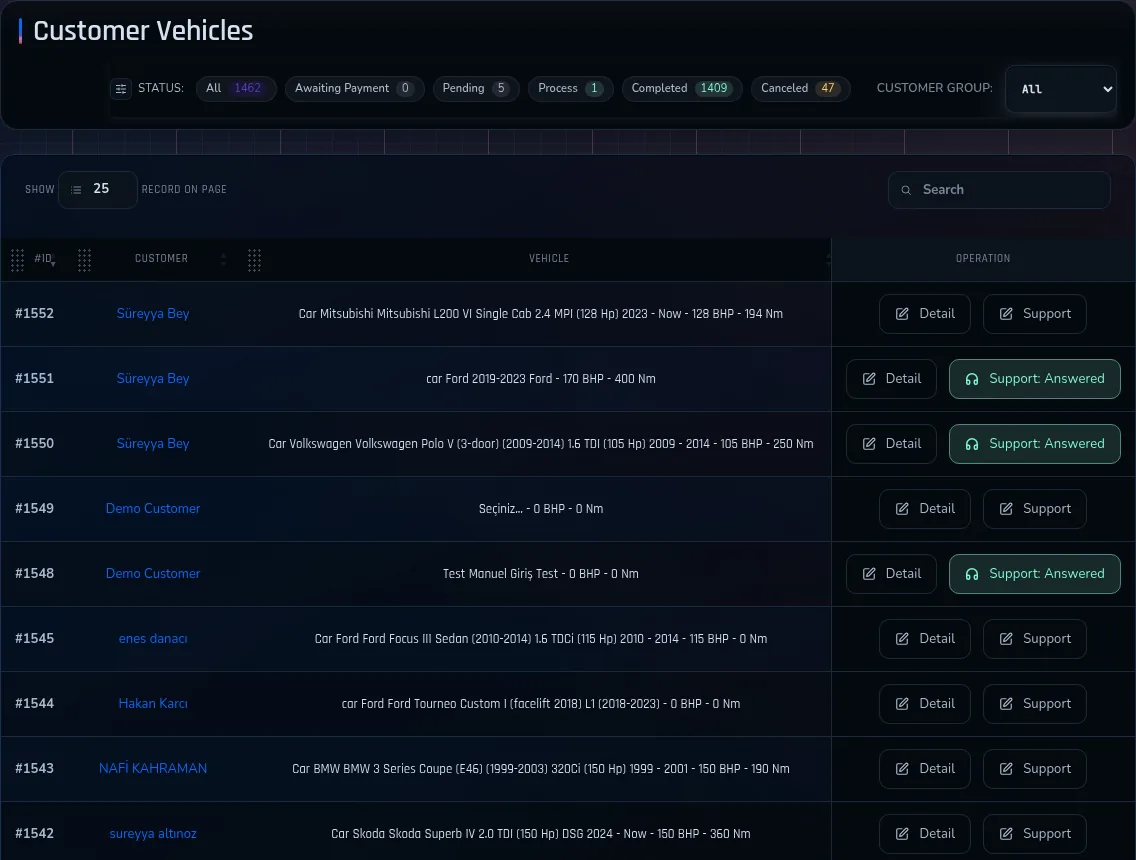
67,000+ Vehicle Database
More than 350 brands and every vehicle type can be filtered by ECU and reading device.
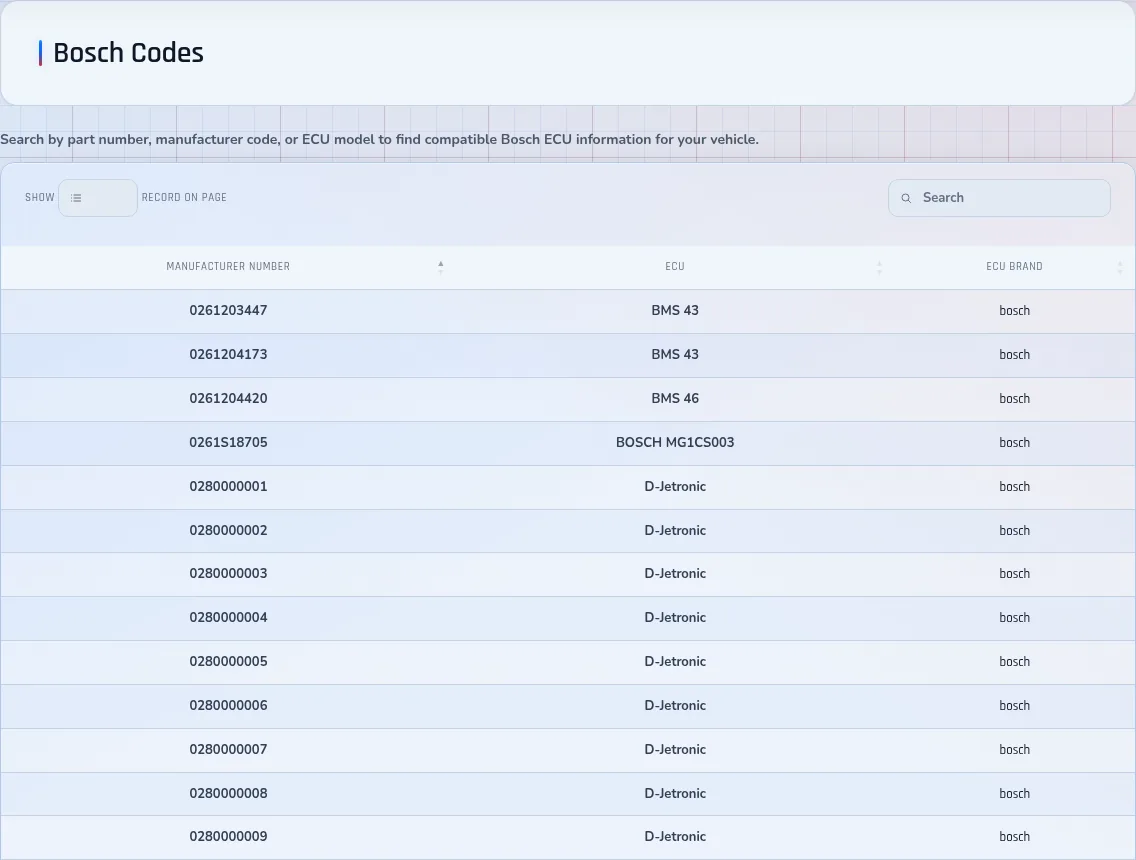
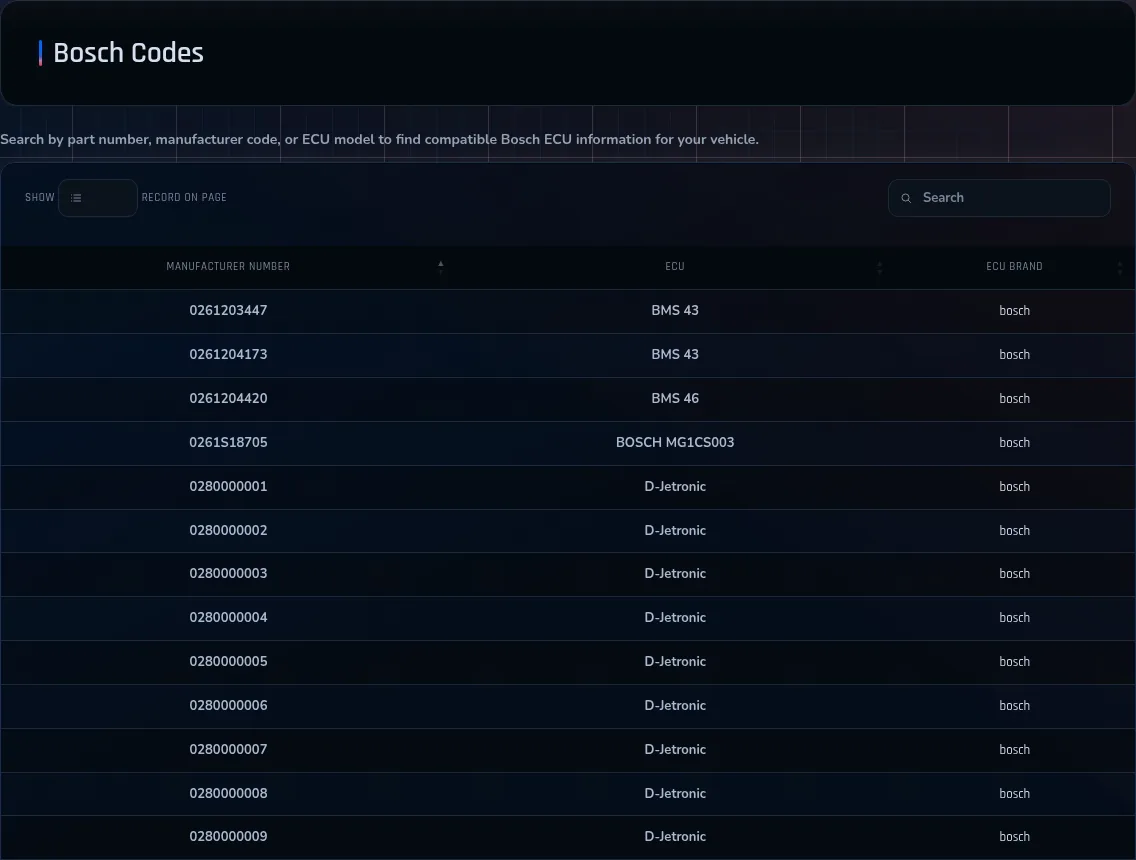
34,000+ Bosch & P-Codes
27,000+ Bosch ECU codes and 7,000+ OBD-II P-codes remain available as a searchable diagnostic reference.
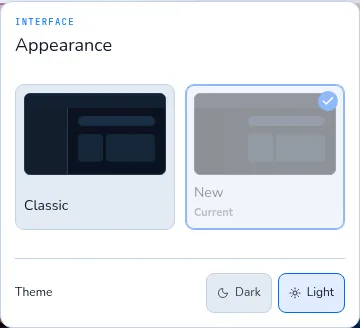
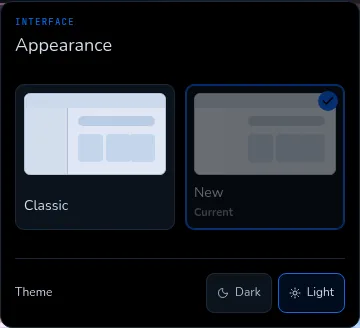
Dark & Light Mode
Customers can switch between purpose-built dark and light portal interfaces.

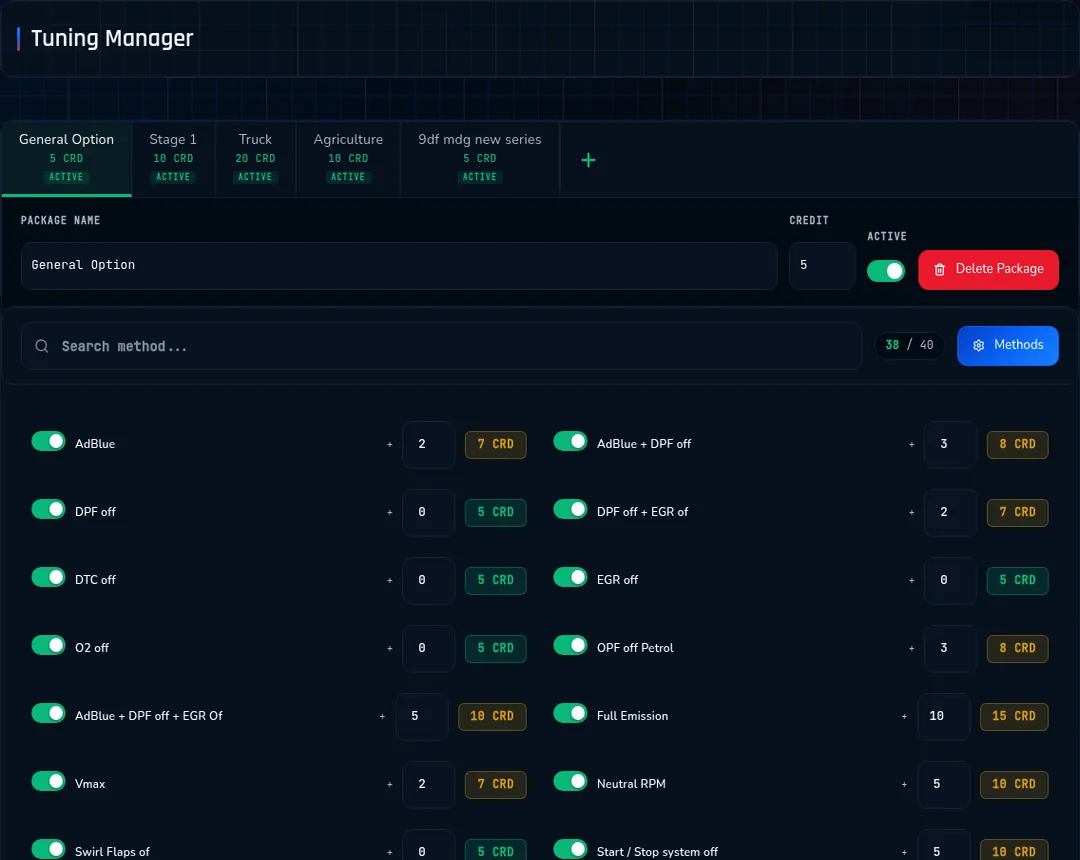
Tuning Package Manager
Stage, economy and custom packages are priced and configured separately.
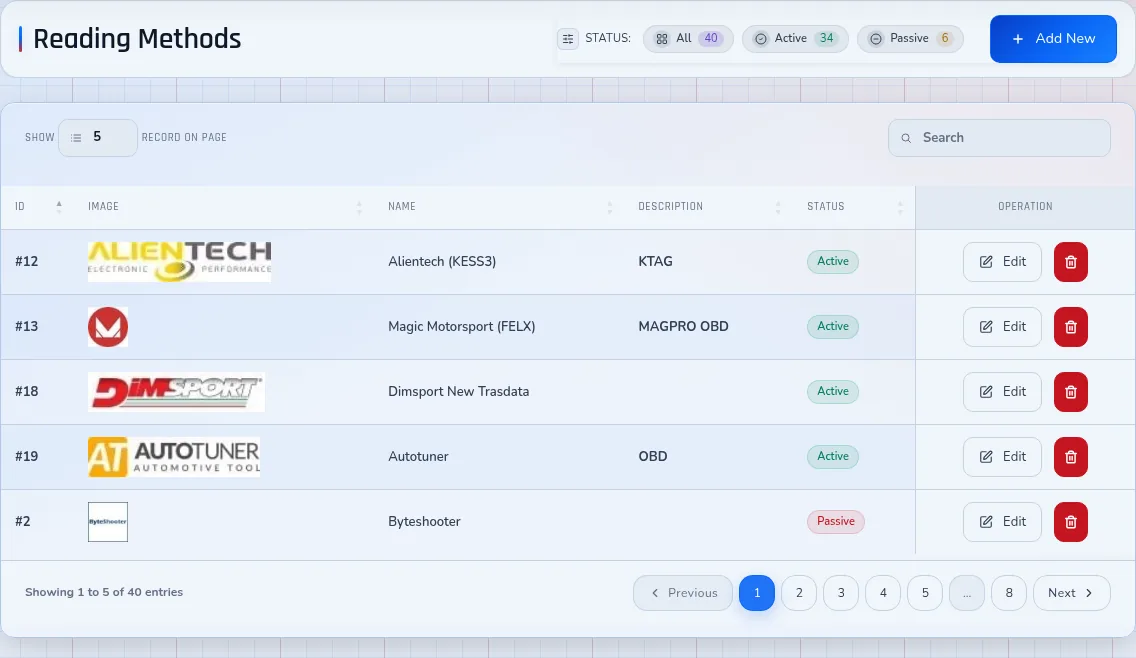
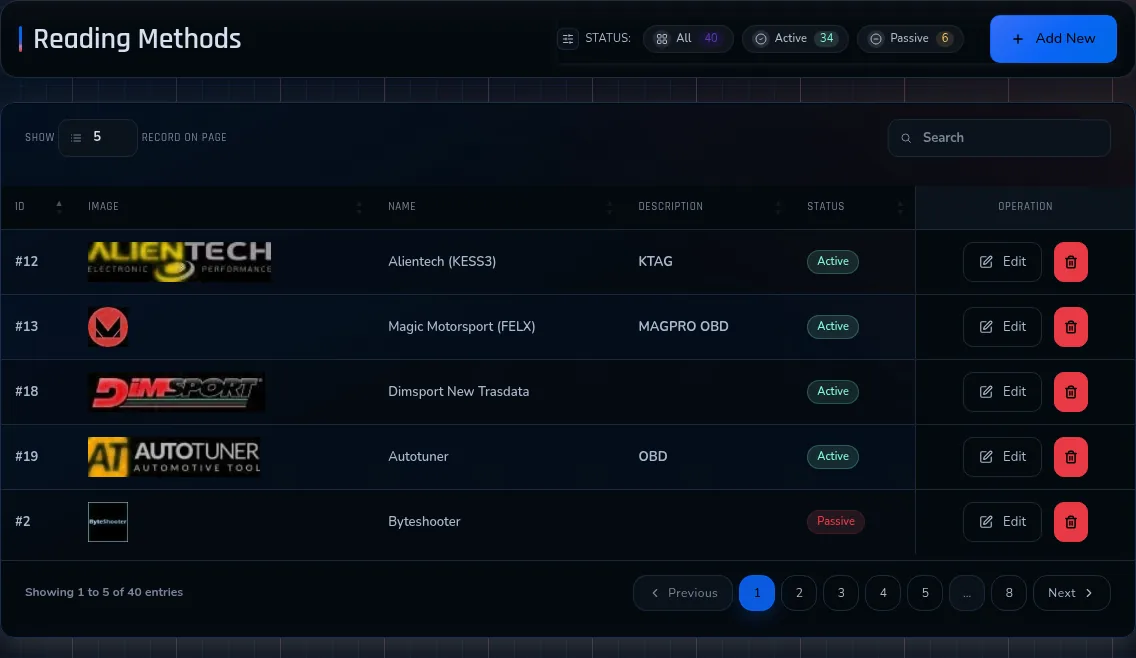
Reading Device Management
The reading device used for every file remains attached to the request.
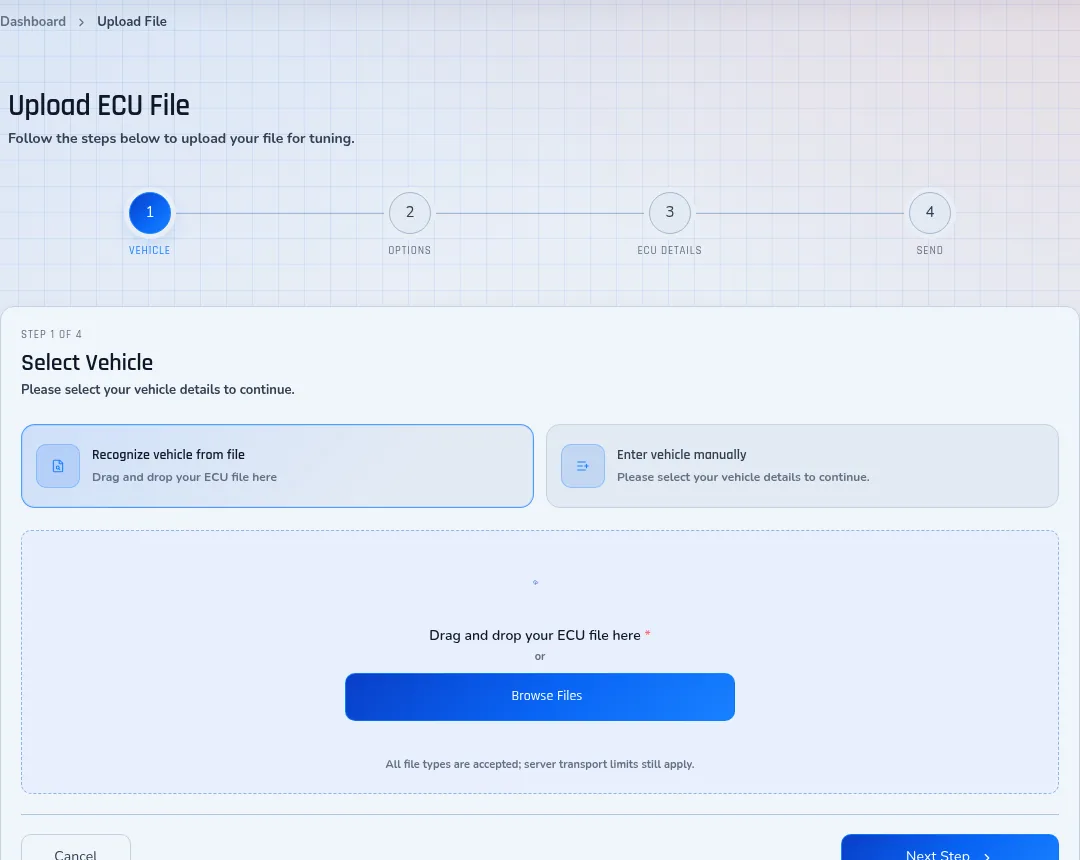
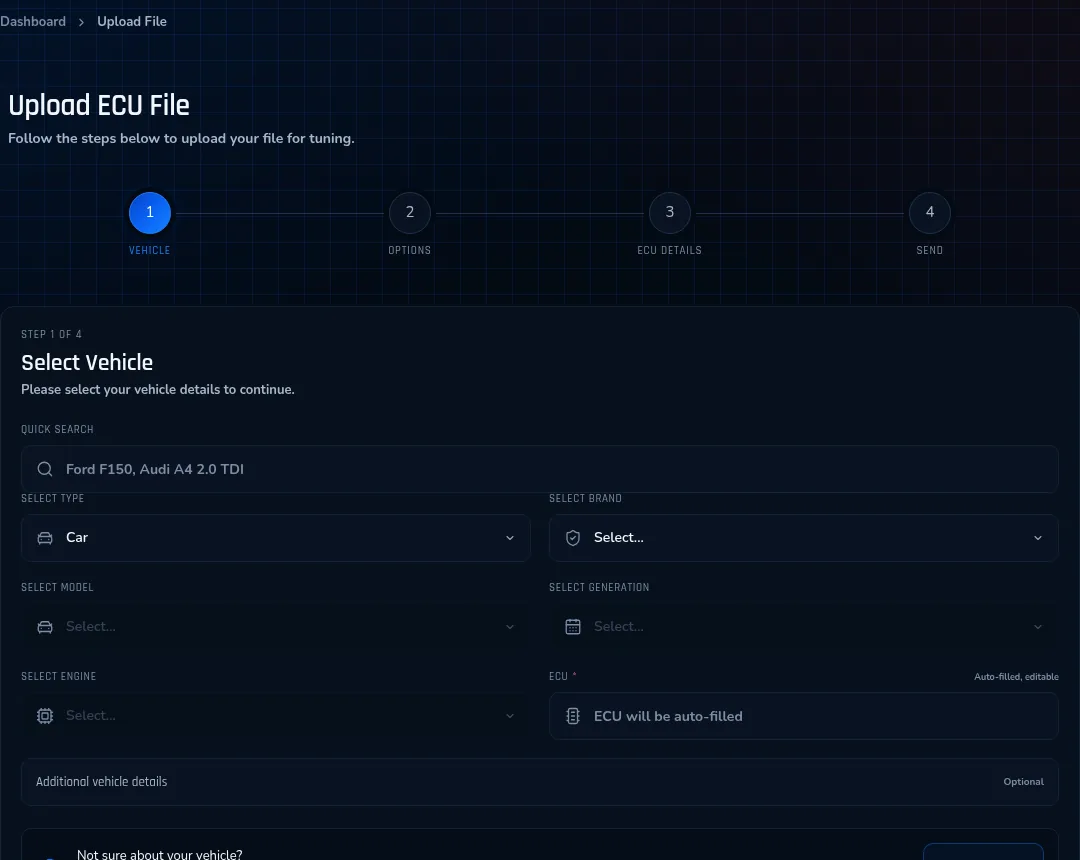
4-Step File Upload
Vehicle, tuning options, file and submission steps produce complete, actionable requests.
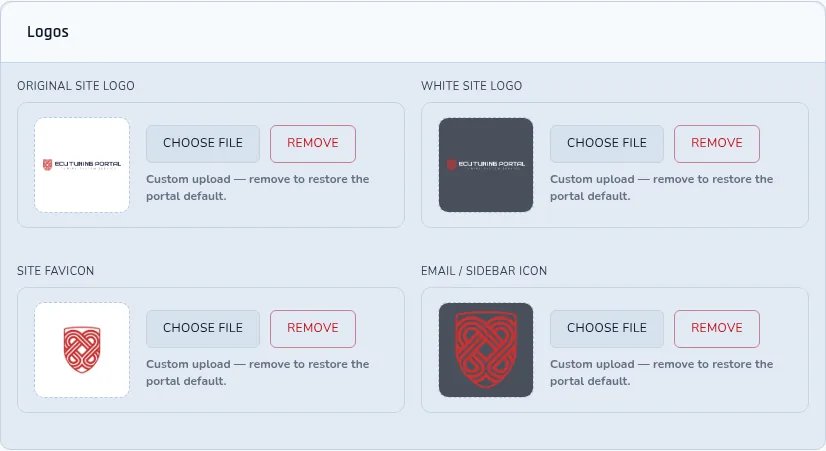
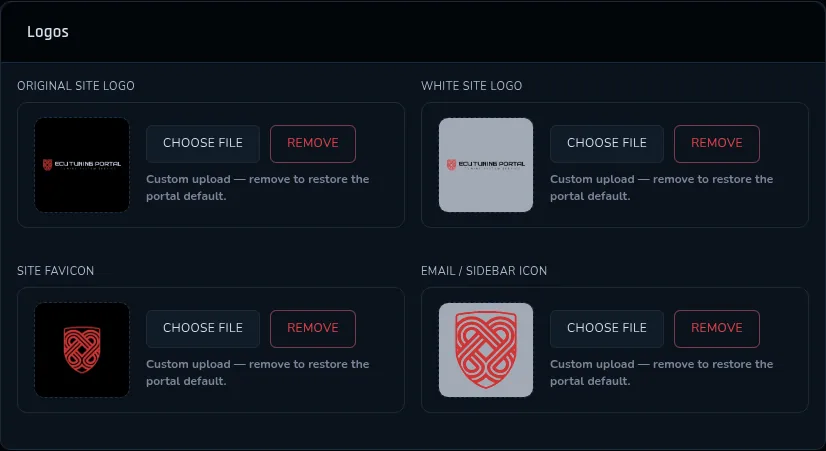
Full Brand Identity
Domain, logo, colours, invoices and contact details carry only the workshop’s brand.
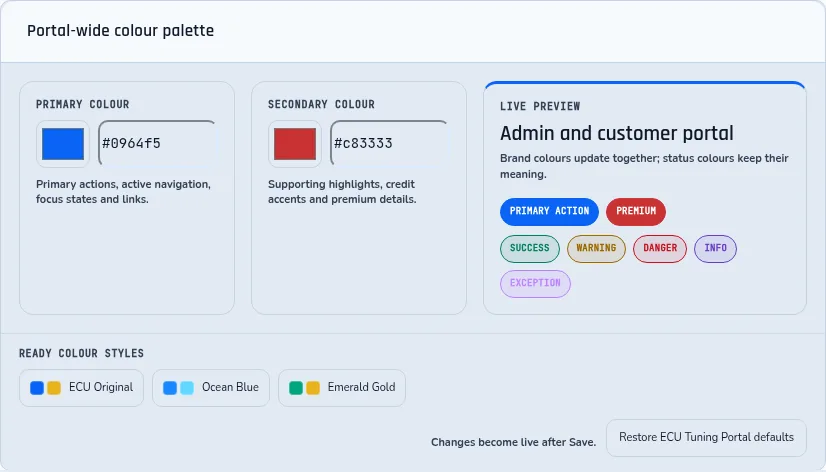
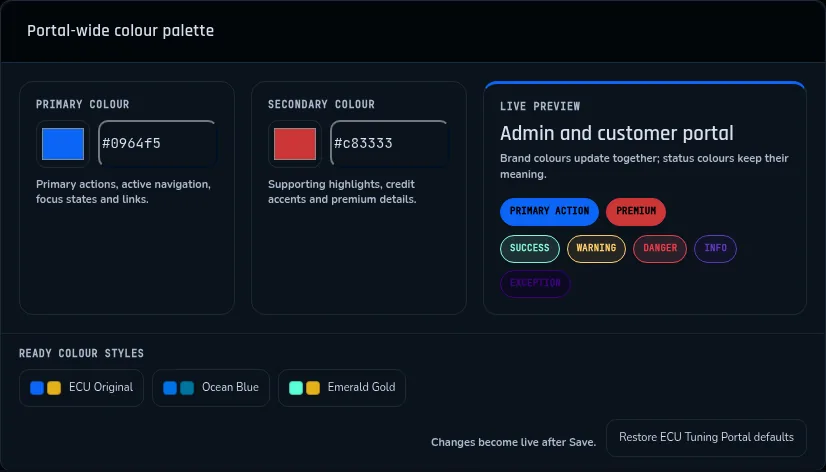
Portal Theme Customization
The selected interface theme adapts the portal without requiring the system to be rebuilt.
Module by module
How each module works in the portal
What every module does for you and your customers, with the labels you will see on its screens.
- 01Customer Management
The customer list in the admin panel shows every registered account with its credit balance. You can search and filter it, switch between all, active and passive customers, edit an account, assign it to a customer group and top up credit by hand from the same screen. Credit is held by wallet type: master, slave and EVC. The profile completion step asks the customer for name, email, VAT number, country, city and address.
On screen
Move an existing customer listCustomersActivePassive- 02Credit & Subscription System
Billing follows the customer: a customer with an active subscription is billed by subscription, otherwise the customer group or a personal override applies, and plain credit is the default. Subscription plans run monthly or annually, and each plan sets how many files a subscriber can process in its period; 0 means unlimited. A subscription starts as pending, then becomes active, and it can be suspended, cancelled or expire. Credit packages are bought on their own page, where a customer group discount applies to the packages only, not to tuning file credits.
On screen
Set up credit for a new file serviceMonthlyAnnual- 03Mobile Responsive Design
Every customer page, including sign-in, declares a responsive viewport, and the layout follows the width of the screen it opens on. Customers reach file upload, credit and support from a phone browser without installing an app, and the admin dashboard has a mobile layout of its own, shown in the screenshot above.
See the portal screens- 04Invoice & PDF System
An invoice number is your prefix followed by the invoice ID: set the prefix to INV and invoices run INV-0001, INV-0002. The prefix is a required field in the portal settings and keeps your invoices easy to tell apart in bookkeeping. The invoice is rendered as an A4 portrait PDF and downloads as invoice-<number>.pdf.
On screen
Questions on prices and taxInvoice Prefix- 05Stripe, PayPal & Bank Transfer
Four payment channels can be switched on: PayPal, Stripe, bank transfer and Wise. Amounts are shown in EUR, USD, GBP or TRY, and PayPal falls back to USD when no currency is set for it. For bank transfer the portal shows the bank name, account and IBAN from your settings, tells the customer that credit is loaded within 1–3 business days after the transfer arrives, and offers a button to send the payment notification.
On screen
Payment routes for a new file serviceBank Transfer- 0625 Language Support (Including RTL)
Customers pick their language from the flag menu, and the customer screens open in it. Arabic and Hebrew switch the portal to right-to-left: the page direction flips and a separate RTL stylesheet is loaded, so menus, forms and tables read from the right.
See the customer screens- 07Instant SMS & Email Notifications
A customer gets an SMS when a file changes status: awaiting payment, pending, in process, completed or cancelled. SMS also goes out for a new file submission, a support ticket and its reply, a new registration and an order, while a credit change is announced by email. Sending is limited to three SMS per minute from one IP address.
Running the portal: questions and answers- 08Customer Group Pricing
Each customer group has a pricing method. Percentage applies a rate to the product price, so a rate of 10 means 10%. Fixed applies the same amount, in your store currency, to every item. An optional additional percentage is added on top of the net price. The group’s credit package discount covers credit packages only, not tuning file credits, and an inactive group cannot be assigned to new customers.
On screen
Dealer prices in a master and slave networkCustomer GroupsPercentage- 09Support Ticket System
Each support request carries one of three statuses: pending, answered or closed. Priority is normal or urgent; any other value is saved as normal. The customer’s list marks the tickets that have unread replies, and a new ticket or reply can also trigger an SMS.
On screen
More answers in the knowledge basePendingAnsweredClosedUrgent- 10EVC Integration
EVC credit is a wallet of its own on the customer record. When a customer pays for an EVC credit order, the portal adds the credit to the customer’s EVC account through the EVC API, and it can deduct credit there as well. If the customer has no EVC number, the portal tells you to transfer the credit by hand in the EVC admin panel; after a transfer the new WinOLS balance is shown.
The WinOLS and EVC workflow- 11Comprehensive Vehicle Database
Vehicle data comes from the vehicle catalogue service and is cached for 24 hours, so lists open quickly and catalogue changes appear by the next day at the latest. The vehicle database on this site lists 67,751 vehicles and 2,911 ECU records (generated on 28 August 2026).
Search the vehicle database- 1267,000+ Vehicle Database
A file request starts with the vehicle: the customer chooses vehicle type, brand, model, generation and engine, and the ECU field fills in automatically from that choice. Cars, trucks, tractors, motorcycles and boats are covered, and trucks, tractors, motorcycles and boats each have their own page in the vehicle database.
On screen
Truck and agricultural file servicesStep 1 — Select Vehicle- 1334,000+ Bosch & P-Codes
Bosch ECU codes and OBD-II P-codes are separate searchable lists in the portal, each with its own search, and every Bosch code opens its own information page. The code data is read from the catalogue service, so a tuner looks up a fault or ECU code without leaving the portal.
On screen
Vehicles and ECUs in the databaseBosch CodesBosch SearchP-Codes- 14Dark & Light Mode
Customers switch between a dark and a light theme; the choice is stored in their own browser and applied as the page loads, so the next visit opens in the same theme. The choice belongs to that customer and does not change what other customers see. The theme accepts only these two values.
On screen
See the portal screensDarkLight- 15Tuning Package Manager
The Tuning Manager screen holds your packages: New Package, the package name and the methods it includes. Each tuning option has a code, a name, a credit price, a sort order and an active or passive status, and every option carries its own credit.
On screen
Tuning options on Autotuner requestsTuning ManagerNew PackagePackage NameMethods- 16Reading Device Management
Read methods such as OBD, BENCH, BDM and BOOT are managed in one list, each with a name, a description and an active or passive status, and each method can have its own credit cost. The customer selects the read method used to extract the ECU file, and it is saved with the file request. A method assigned to vehicles cannot be deleted, so earlier requests keep their record.
On screen
Read methods on Magic Motorsport Flex filesRead MethodsRead Method- 174-Step File Upload
The upload runs in four numbered steps: Select Vehicle, Tuning Options, Upload Files, Review & Send. Each file can be up to 64 MB, and any extension is accepted except server scripts and executables such as .php and .exe. Files on a request are kept by type: ECU, ID, LOG and DYNO.
On screen
File uploads from KESS3 and K-TAGStep 2 — Tuning OptionsStep 3 — Upload FilesStep 4 — Review & Send- 18Full Brand Identity
Logo Settings holds the site logo and the brand configuration, and one settings page covers the portal brand, payments and customer notifications. Brand images are picked for your portal, so customers see your logo, not ours.
On screen
White-label portals comparedLogo SettingsSite Logo- 19Portal Theme Customization
The portal palette is derived from two colours, your primary and secondary brand colour, and the text colour on each surface is chosen by its contrast ratio, so labels stay readable whatever colours you pick. Customers can use the classic or the new interface, and each interface loads its own stylesheet.
See the interface gallery